Know what you have at home.

Check your pantry before you shop, keep an eye on dates, and see what you’re running low on.

No Pantrio account needed. Data stays on your iPhone, or syncs through iCloud if you turn that on.

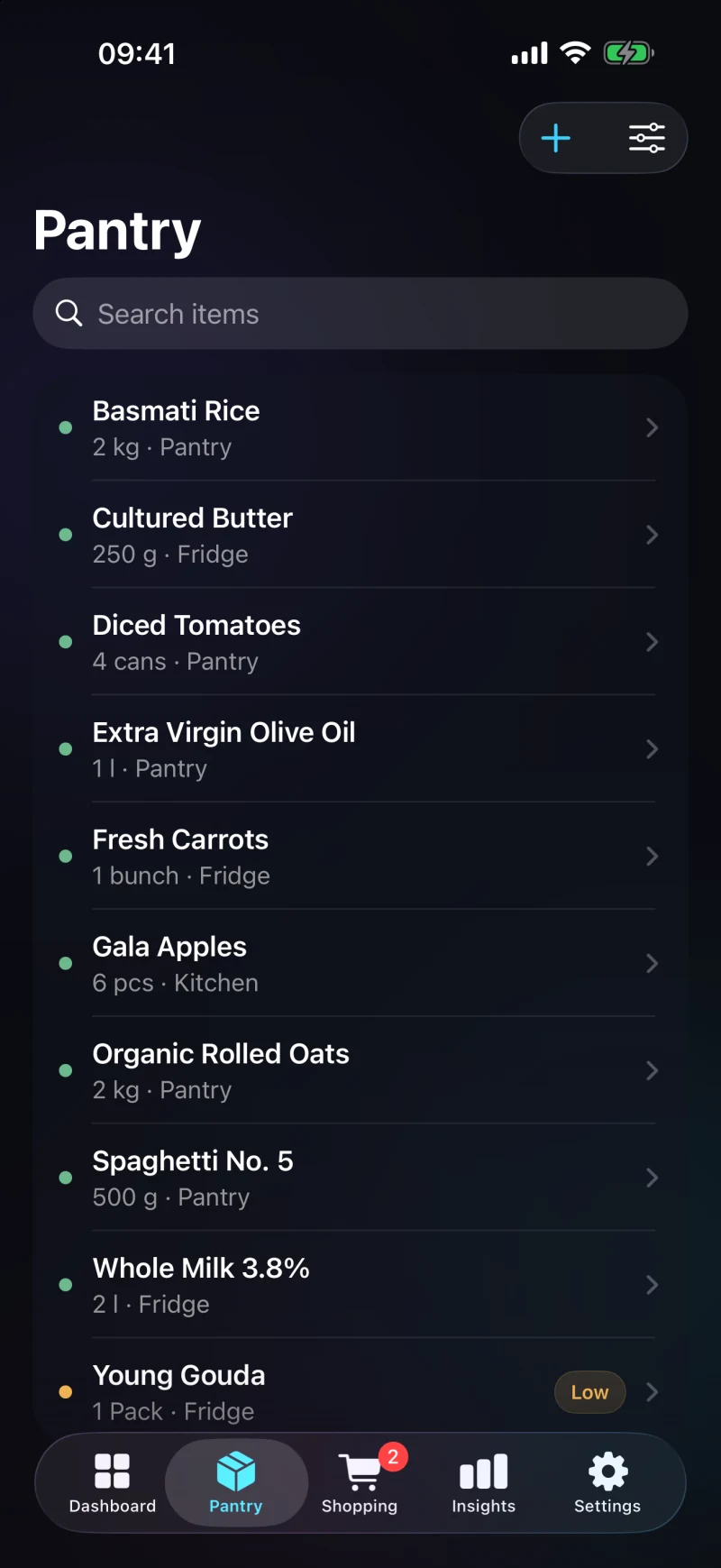
Authentic Pantrio pantry inventory screen in English with sample items and locations

Check first,
then shop.

Check what you have, watch the dates, add what’s missing.

See what you already have.

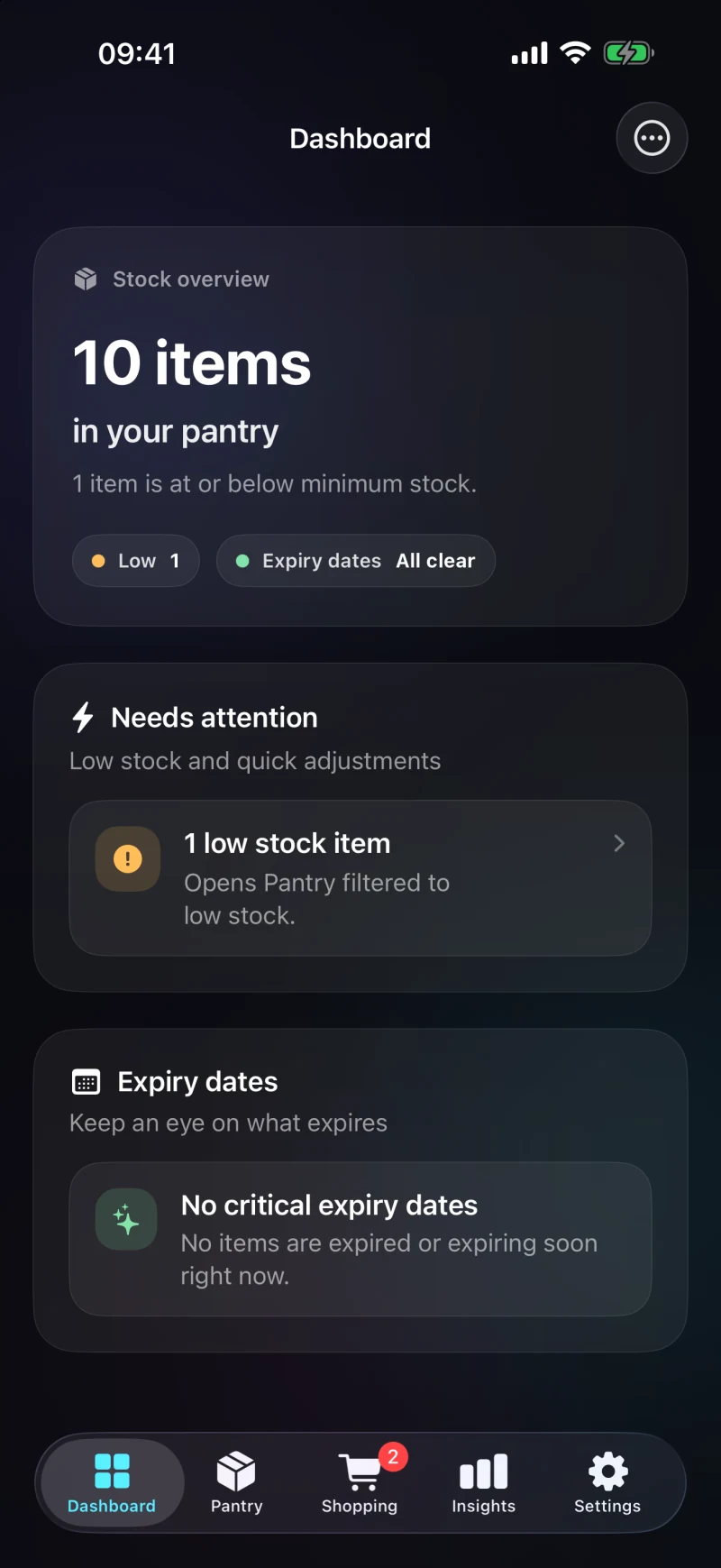
The dashboard shows how much is in your pantry and what is running low. A quick look before shopping is enough. No need to remember anything.

  • Track food and household supplies
  • See how much you have and where it’s kept
  • Notice low stock before your next trip
Use Pantrio without a Pantrio account
Pantrio dashboard: 10 items in the pantry, one item low on stock

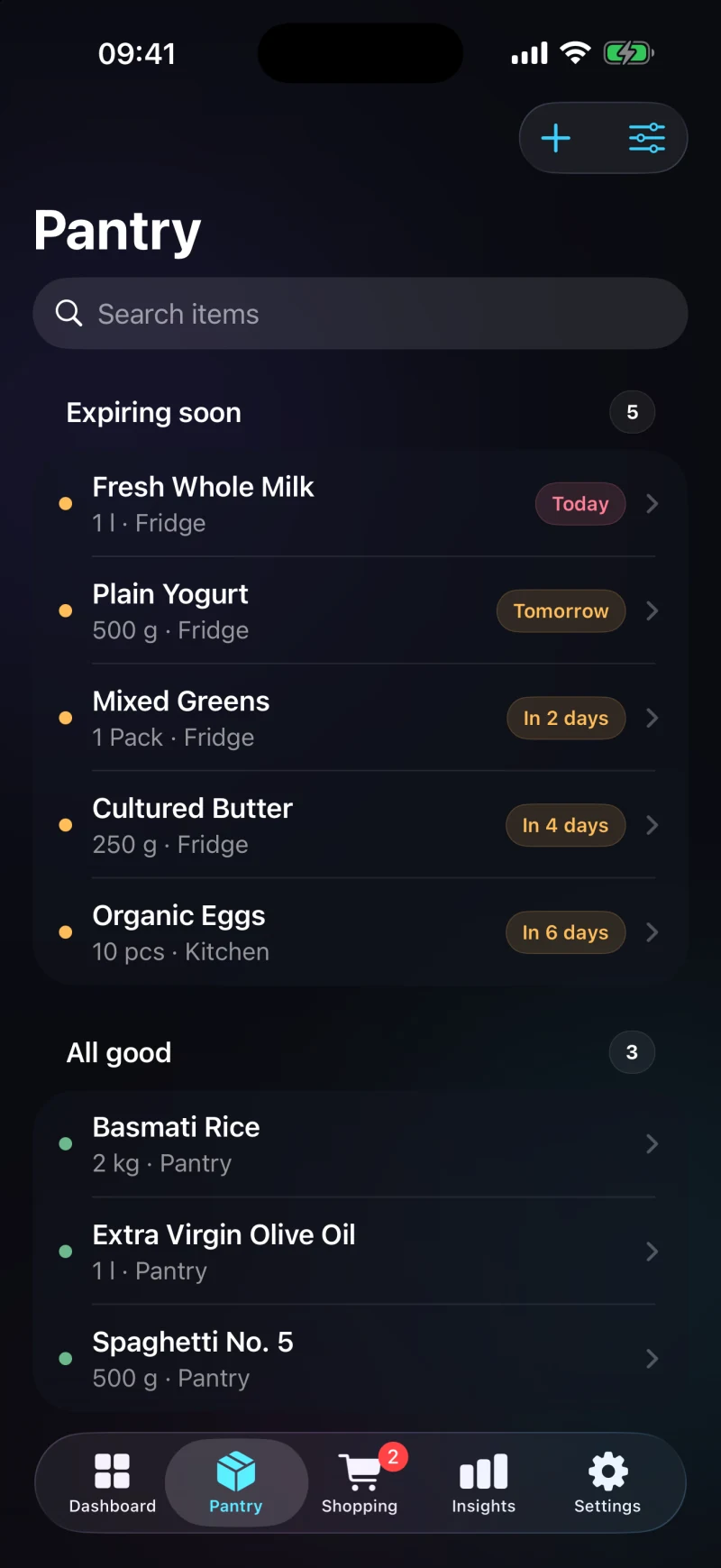
See what expires soon.

Pantrio shows the dates you enter for your items and groups what is coming up. It can’t tell you whether food is still safe. Go by the package and local food-safety guidance.

  • “Expiring soon” shows today, tomorrow and the days ahead
  • You enter the date from the package yourself
  • Reminders on your phone, if you allow notifications
How date tracking works
Pantrio pantry with the “Expiring soon” group

Scan when it helps. Type when it doesn’t.

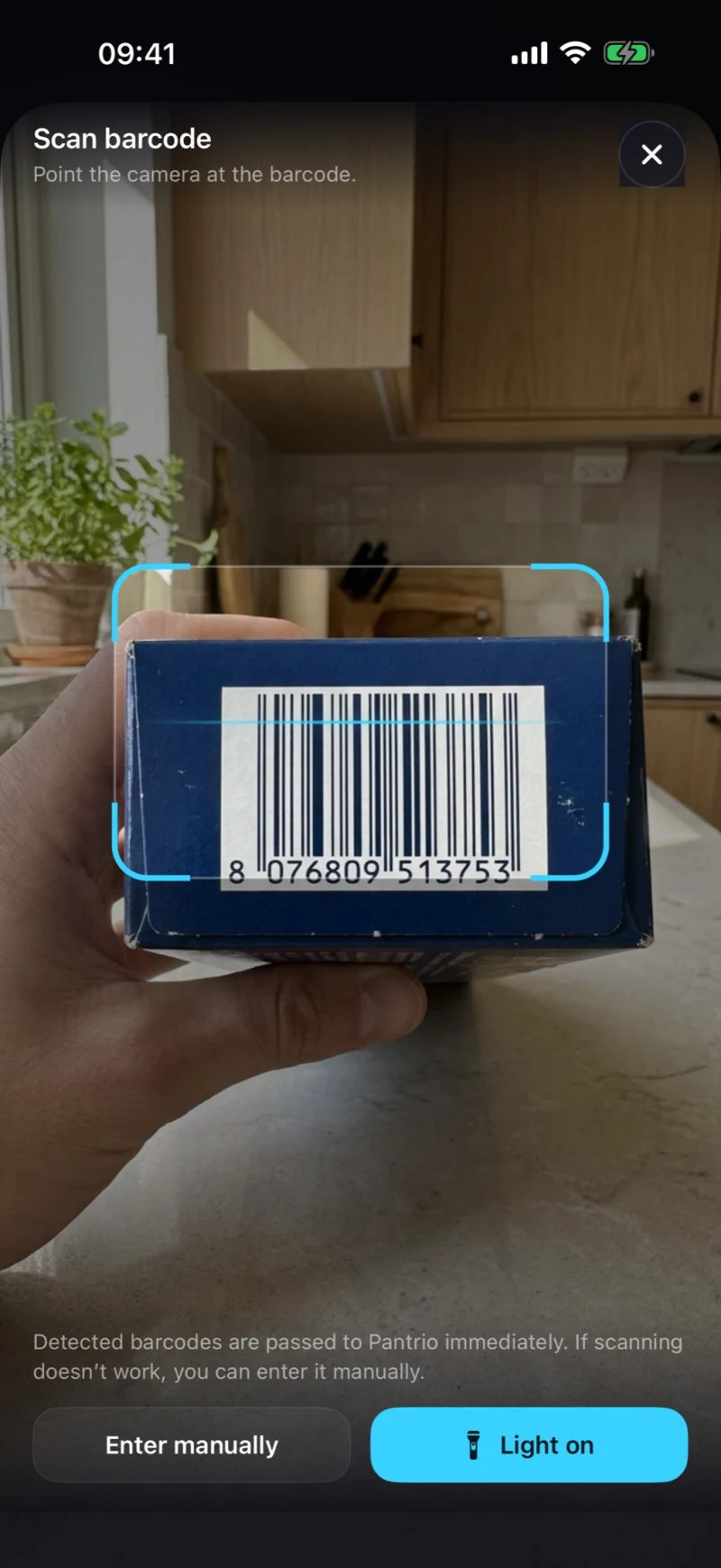
Pantrio can look up available product details from open databases. No match? Enter everything yourself.

  • Point the camera at the barcode
  • Product details from Open Food Facts and Open Beauty Facts, when available
  • You can always type it in yourself
What is sent when you scan
Pantrio barcode scanner with camera view
Publicly available · Pantrio 1.2.0

One household,
one shared pantry.

Share the pantry and household shopping lists through iCloud. Personal lists stay with you. Shared Household is now available in Pantrio 1.2.0.

  1. One pantry for everyoneYou both see what’s in the pantry, with quantities and locations.
  2. One list for the shopWhat is missing goes on the list the whole household uses.
  3. Personal stays privateYour own shopping lists do not become household lists.
  4. Through iCloud, no Pantrio accountChanges show up for the others once iCloud has finished syncing.
More about Shared Household

Whoever creates the household needs Pantrio Pro; invited people do not need their own. Each person needs an Apple Account with iCloud for sharing.

No Pantrio account.
iCloud only if you choose it.

You can use Pantrio locally or enable iCloud for your devices. When Shared Household arrives, it will run through iCloud (CloudKit) and need an Apple Account. There’s no Pantrio account involved.

How account-free use works
Local
No sign-up needed.
iCloud
If you turn iCloud on, syncing runs through Apple.
Shared Household
Only household data is shared. Personal lists stay private.

Questions and answers.

Do I need a Pantrio account?

No. You can use Pantrio without an account. Only iCloud needs an Apple Account.

What does a date in Pantrio mean?

Pantrio shows the date you enter. What a date label means varies by market and product. USDA FSIS explains U.S. food product dates.

Is Shared Household available now?

Yes. Public availability of Pantrio 1.2.0 has been confirmed.

Does everyone need Pantrio Pro?

No. Only the person who creates the household needs Pro. Prices are in the App Store.

Pantry and shopping, in one app.

Get Pantrio in the App Store